Many buyers first see a home in its listing photos, and empty rooms photograph poorly: they look smaller, colder and harder to read. Virtual staging fixes the photos without renting furniture. This guide covers what it is, what it costs, what you can do with SofaBrain, and the do's and don'ts that keep staged photos honest.
What is Virtual Staging?
Virtual staging is the process of digitally adding furniture, rugs, art and other decor to photos of a property. Unlike traditional home staging, which means physically furnishing the space, virtual staging is done entirely in software, so there is no furniture rental, delivery or setup.
What it is not: renovation. Staging adds removable furniture and decor. Changing walls, floors, cabinets or fixtures changes the property itself, and that is a different (and much riskier) kind of edit.
The Benefits of AI Virtual Staging with SofaBrain
-
Cost-effective. NAR's 2025 Profile of Home Staging puts the median cost of using a staging service at $1,500. On SofaBrain, a staged photo uses 1 credit. A free account includes 3 credits with no card, and paid plans are Studio at $59/month for 100 credits, Pro at $129/month for 250 credits and Business at $299/month for 600 credits; annual billing charges 10 months for 12. See pricing.
-
Time-saving. A staged photo is usually ready in under a minute, so a listing can go live with furnished photos the same day instead of waiting for a stager's schedule.
-
Flexibility. You can try several styles on the same photo, such as modern, Scandinavian, coastal or Japandi, and pick the one that suits the property. Each new version uses one more credit.
-
Enhanced visualization. Furnished rooms show scale and purpose. In NAR's 2025 survey, 83% of buyers' agents said staging made it easier for buyers to picture the property as their future home. That figure covers staging in general, not virtual staging specifically, but the reason is the same: a furnished photo answers "where would the sofa go?"
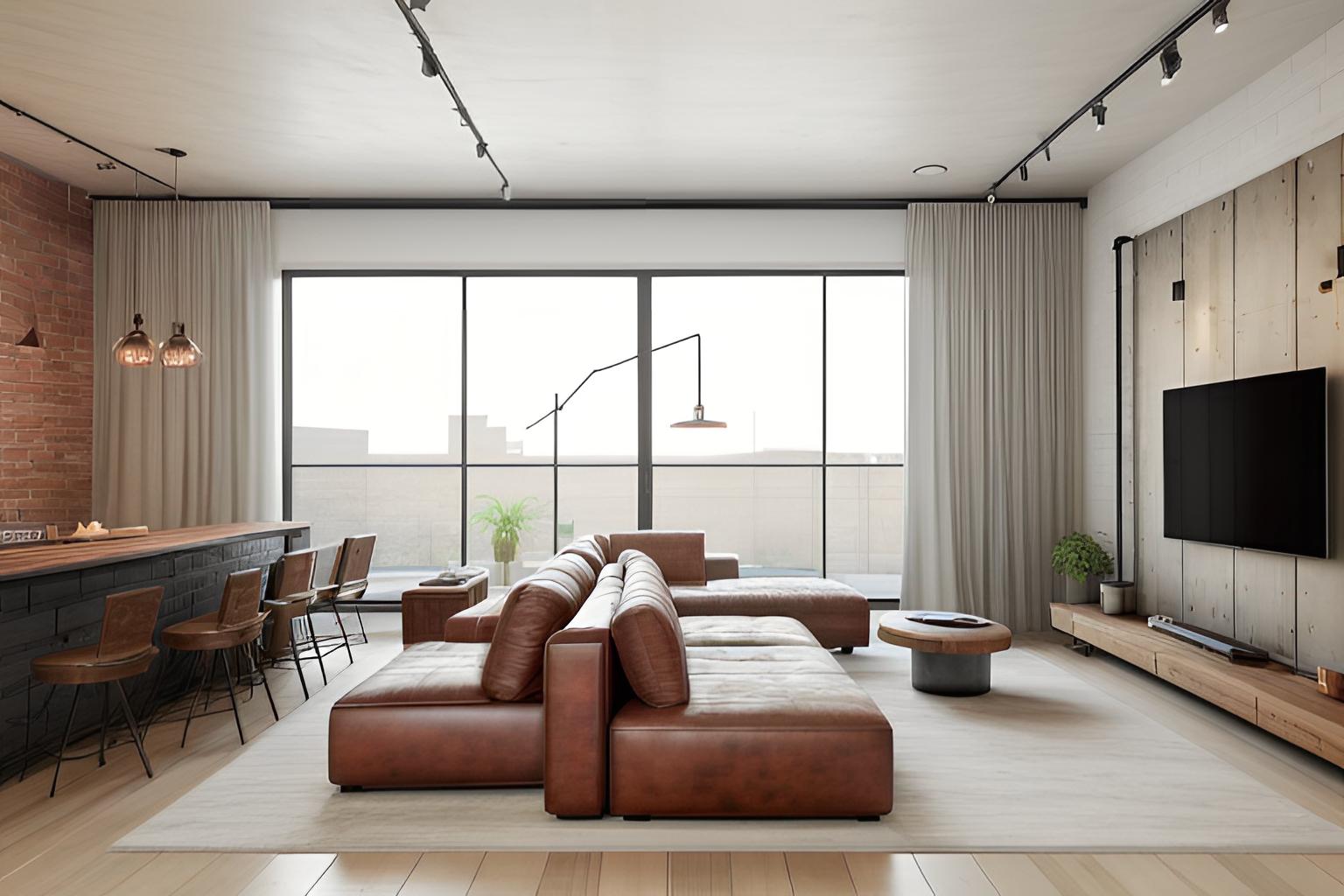
Harnessing the Power of AI with SofaBrain
SofaBrain is built for listing photos. Each photo edit below uses 1 credit:
- Virtual staging: furnish an empty room in the style you choose.
- Multi-view staging: stage several photos of the same room with the same furniture, so the photo set looks like one room.
- Declutter and magic eraser: remove the seller's belongings or distracting objects before staging.
- Day to dusk, sky replacement and curb appeal: exterior edits for the front-of-listing photo.
- Interior design studio: redesign a room in a different style or color palette, useful for showing buyers ideas outside the listing photos.
When you download, you can add a "Virtually staged" label burned into the image and include the original photo, or download a side-by-side before/after. You can browse real examples in the before/after gallery.
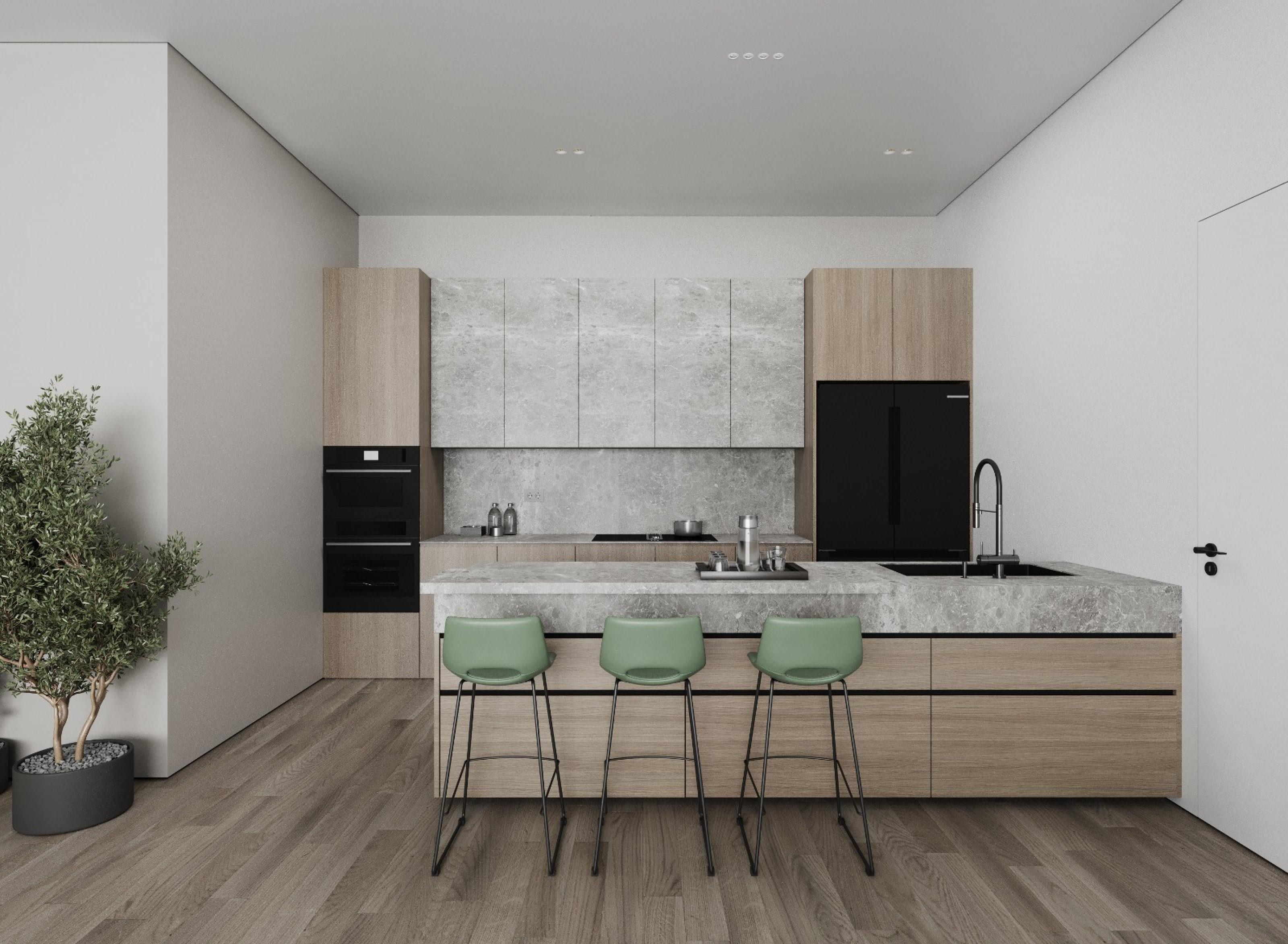
The do's and don'ts of virtual staging
Do:
- Disclose every staged photo. Label it as virtually staged, using our disclosure language guide, and follow your MLS's rules on where the label goes.
- Keep the original. Some MLSs require the unaltered photo right next to the staged one, and California law requires access to it.
- Stage the rooms that matter: living room, primary bedroom, kitchen and dining area.
- Use one style per listing so the photo set reads as one home.
- Check each result against the original: same walls, windows, doors, floors and fixtures.
Don't:
- Change the property. No repainted walls, new floors or swapped cabinets in listing photos.
- Hide defects. Removing a water stain or a crack hides something buyers are entitled to see.
- Add features that don't exist, such as a pool, a fireplace or AI-generated landscaping.
- Over-furnish. Four to six pieces in a living room is plenty; crowded rooms look smaller.
- Assume a tool makes you compliant. The disclosure is your responsibility; check your state and MLS rules in our state-by-state guide.
Frequently asked questions
How much does AI virtual staging cost?
On SofaBrain, a staged photo uses 1 credit: a free account includes 3 credits, and paid plans start at $59/month for 100 credits, so roughly 50 to 60 cents per photo. Physical staging is far more expensive, with a $1,500 median for a staging service in NAR's 2025 survey. For a breakdown of every pricing model, see our virtual staging cost guide.
What do realtors use for virtual staging?
Many realtors use purpose-built AI staging tools rather than general photo editors. In SofaBrain you upload a listing photo, choose the room type and a style, and get a furnished version, usually in under a minute. Some agents outsource to human editing services instead, which cost more per image and usually take a day or two.
Do you have to disclose virtual staging?
Yes, you should always disclose it, and in many places you must. California's AB 723 has required disclosure of altered listing images, with access to the original, since January 1, 2026, and many MLSs have their own labeling and original-photo rules. See our guide on whether you have to disclose virtual staging for the details by market.
Can ChatGPT do virtual staging?
General-purpose AI chat tools can edit a photo you upload, but they tend to change details of the room, such as windows, flooring or proportions, which is a problem when the photo has to represent a real property. Purpose-built staging tools are designed to keep the room intact and add only furniture and decor. Whatever you use, compare the result with the original before publishing.
Do virtually staged homes sell faster?
Agent surveys suggest staging can shorten time on market: in NAR's 2025 survey, 49% of sellers' agents said staging reduced the time a home spent on the market. That survey covers staging in general rather than virtual staging, and results vary by market and price point; we review the evidence in do virtually staged homes sell faster?