
If you shoot vacant listings, clients will ask about virtual staging sooner or later. Offering it yourself keeps the job in one place: one booking, one delivery, one invoice. Here is how to shoot for it, price it and disclose it.
What is Virtual Staging?
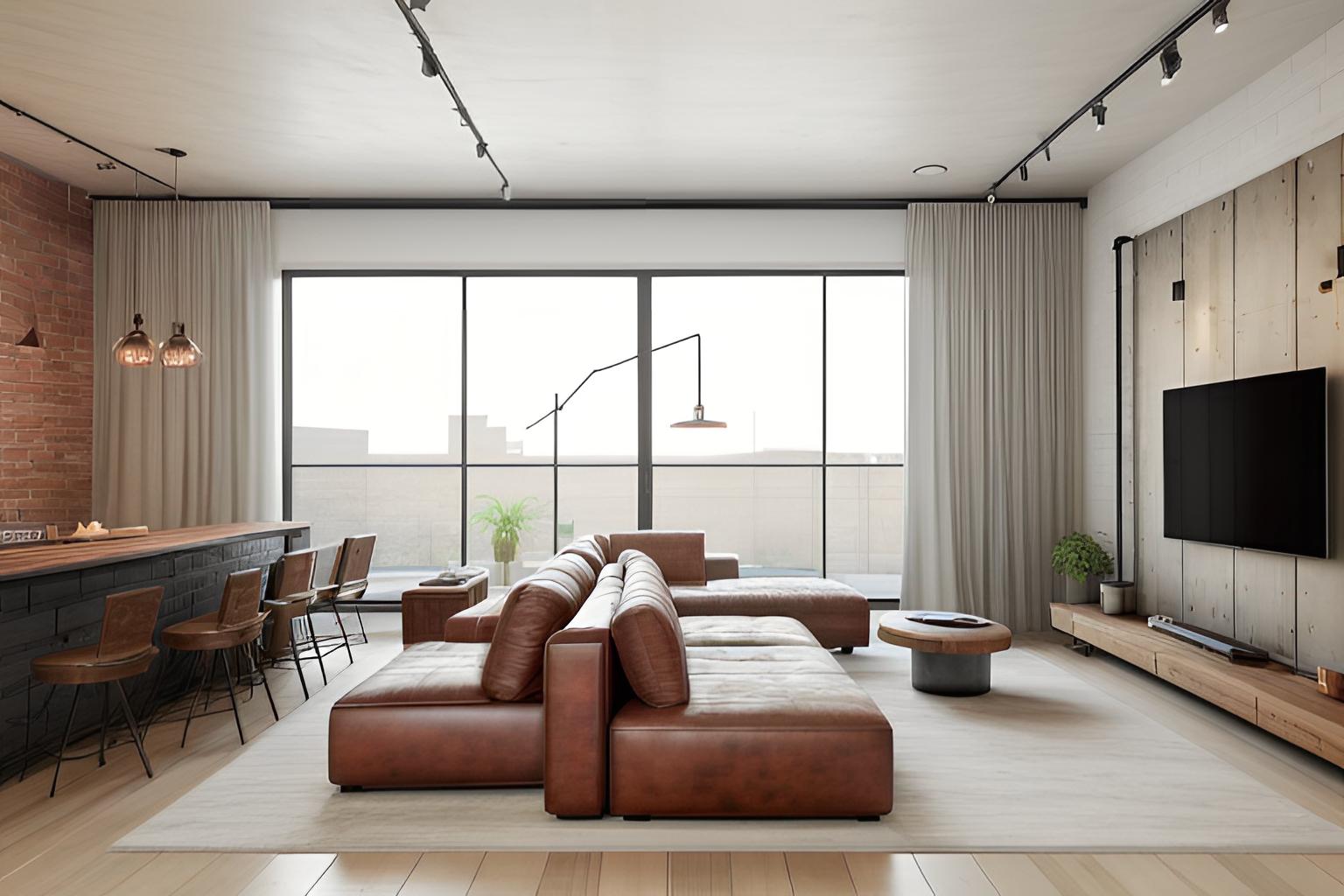
Virtual staging digitally adds furniture, rugs, art and decor to photos of empty or sparsely furnished rooms. It helps viewers understand scale and how a room can be used, without renting and moving real furniture. AI tools now do the furnishing from a single photo; see how AI virtual staging works for the details.
A staged image is a marketing image, not a record of the home as it is. That is why disclosure, covered below, is part of the service rather than an afterthought.
Why Photographers Add Virtual Staging
-
One delivery for the client. The agent gets the shoot and the staged versions together instead of sending your photos on to a separate editing service.
-
Another line item per shoot. Staging is billed per image on top of the shoot fee, and with AI tools your direct cost per image is low, so it can be a profitable add-on if you price your time properly.
-
Faster turnaround than outsourced editing. AI staging usually takes under a minute per photo. Human-edited services take longer; BoxBrownie, for example, lists virtual staging at US$30 per image with a turnaround of under 48 hours (checked October 2026).
Pricing Virtual Staging: A Worked Example
There is no standard rate, so treat the numbers below as an illustration, not a rate card.
Your costs are the tool, your time and redos. On SofaBrain, for example, staging a photo uses 1 credit; plans run from Studio at $59/month for 100 credits to Business at $299/month for 600 credits (see pricing), which works out to roughly 50 to 59 cents per credit, and a free account includes 3 credits to test with. Downloads can carry a disclosure label and include the original photo, and multi-view staging keeps the same furniture across several angles of one room.
Say a vacant listing needs six staged images and you generate two versions of each to pick the best: 12 credits, about $6–$7. Add 20 to 30 minutes to review, choose and re-run anything with a flaw. If you charged $25 per finished image, the six images would bill $150 against that cost and time. Your market may support more or less; our real estate photography pricing calculator shows staging alongside your other add-ons.
Whatever you charge, write down what is included: the number of style options, how many revisions, and the turnaround.
Adding Virtual Staging to Your Photography Business
-
Practice on past shoots. Stage a few vacant rooms you have already photographed and build a labeled before-and-after set to show clients.
-
Shoot for staging. Take a level, wide frame of each vacant room with the floor visible and the lights on. If a room will be staged from more than one angle, shoot those angles in the same session.
-
Agree on the style with the client. Match the furniture to the home's architecture and price point: a modern condo and a 1920s bungalow call for different pieces. Describe the property, never the people you imagine living there.
-
Review every image. Check that furniture is in scale, doesn't block doors, windows or vents, and that walls, floors, fixtures and views are unchanged. Re-run anything that altered the room itself.
-
Deliver staged and original images together. Use matching file names so the agent can always pair them.
Disclosure: Label Staged Images and Deliver the Originals
The agent usually controls the MLS upload, but your delivery sets them up to get it right:
- Add a clear label such as "Virtually staged" to each staged image, or deliver a labeled version alongside an unlabeled one.
- Always include the original, unstaged photo.
- Never use staging to hide defects, and don't change permanent features such as flooring, wall color, fixtures or views unless the image is clearly presented as a renovation concept.
- Put suggested disclosure wording in your delivery note and ask the agent to check their MLS rules.
Rules vary by MLS and state. California's AB 723, in effect since January 2026, requires a disclosure on digitally altered listing images and access to the unaltered original; see our AB 723 guide and the state-by-state rules. For ready-to-use wording, see our disclosure language guide.
Frequently asked questions
How much should photographers charge for virtual staging?
There is no standard rate. Photographers usually bill per finished image on top of the shoot fee, and human-edited services such as BoxBrownie list about US$30 per image (checked October 2026). With an AI tool your direct cost per image is usually under a dollar in credits, so set a price that covers review time, redos and revisions; the virtual staging cost guide compares the options.
How long does virtual staging take per photo?
AI staging usually takes under a minute per photo, and reviewing a few versions to pick the best adds a couple of minutes. A typical vacant listing can be staged in one sitting. Outsourced human editing usually takes a day or two; BoxBrownie, for example, quotes under 48 hours.
Do I need interior design experience to offer virtual staging?
No. AI staging tools offer preset styles and room types, so you choose rather than design from scratch. You still need an eye for scale and placement: check that the furniture fits the room, does not block doors or windows, and suits the style and price point of the home.
Who is responsible for disclosing virtual staging, the photographer or the agent?
The listing agent or broker usually submits the photos and is responsible for following MLS and state rules, which vary. Photographers can make that easier by labeling staged images, delivering the original photos alongside them and suggesting disclosure wording. Agree on who adds the MLS disclosure before the first job.
How many photos per listing typically need staging?
For a vacant home, agents usually stage the rooms that define it: the main living area, the kitchen or dining area and the primary bedroom, sometimes a home office or a second bedroom. That is usually a handful of images, not the whole set. Occupied homes often need decluttering instead of staging.