Social Pulse
Introduce your next listing.
Voiceover · word highlights · AI camera motion
Reels & StoriesFor real estate agents & teams
Turn your listing photos into a branded, narrated video in minutes. Every format, an MLS version and a sound-off cut come with it.
No filming, no editing. Add a listing link or photos and see its opening scene free, or try a sample home.
On your property website

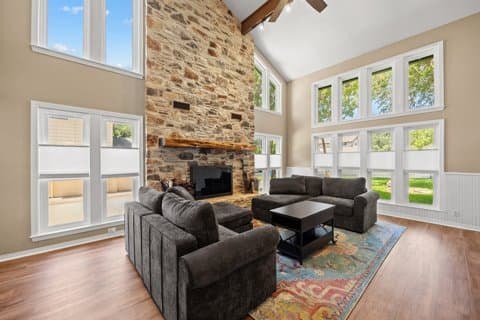
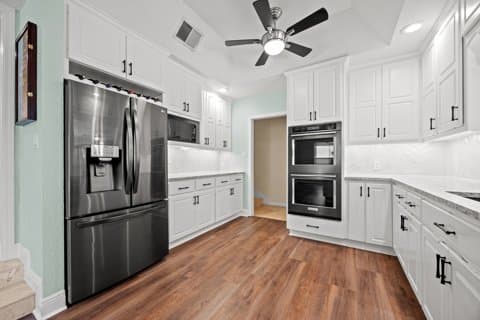
In your social feed
Real example videos · AI voiceover and captions · YOUR BRAND is a placeholder
Pick a look
Choose a look and get the whole video: the story, camera motion, a voiceover, captions, music and your brand. Every look here is a real video you can watch.
Social Pulse
Voiceover · word highlights · AI camera motion
Reels & StoriesCinematic Tour
Voiceover · editorial captions · branded closing
Property websites & presentationsStaging Reveal
Original + concept · reveal · disclosure
Stories & buyer consultationsStyle Switch
Two virtual concepts · music · disclosure
Square feed postsMarket one home beautifully. Give your team’s listings a recognizable look.
Create my listing videoOne listing. A whole campaign.
Make your video once. It arrives in every shape your marketing needs, along with the versions most agents still make by hand.
Framed for Reels, feeds, square posts and widescreen
An unbranded version for the MLS and portals
A listing page that turns viewers into inquiries
A video for every moment
Keep the listing in the feed all the way to closing. Each moment reuses the clips from your video, so a new version takes minutes, not a new shoot.
Before it lists
Close-up details first, the house revealed with the date.
9:16 · 14 s · Made from your approved clips
This example features an AI presenter (agent on camera is in early access). Without it, your version shows the home.
Add a presenter who looks and sounds like you to open a tour, invite buyers to the open house or celebrate a sale.
Set up once with a photo and a short voice sample
It says the lines you choose, in your voice
You review every clip before a video uses it
Agent on camera is rolling out to early-access accounts. The presenters in these examples are AI demo presenters.
See more presenter examplesVirtual staging meets video
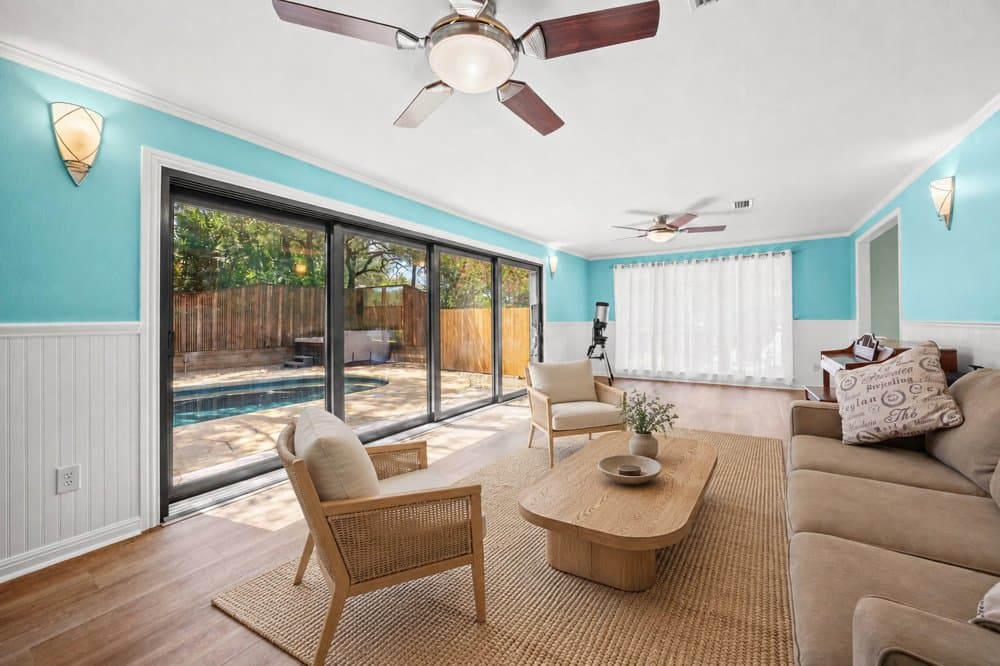
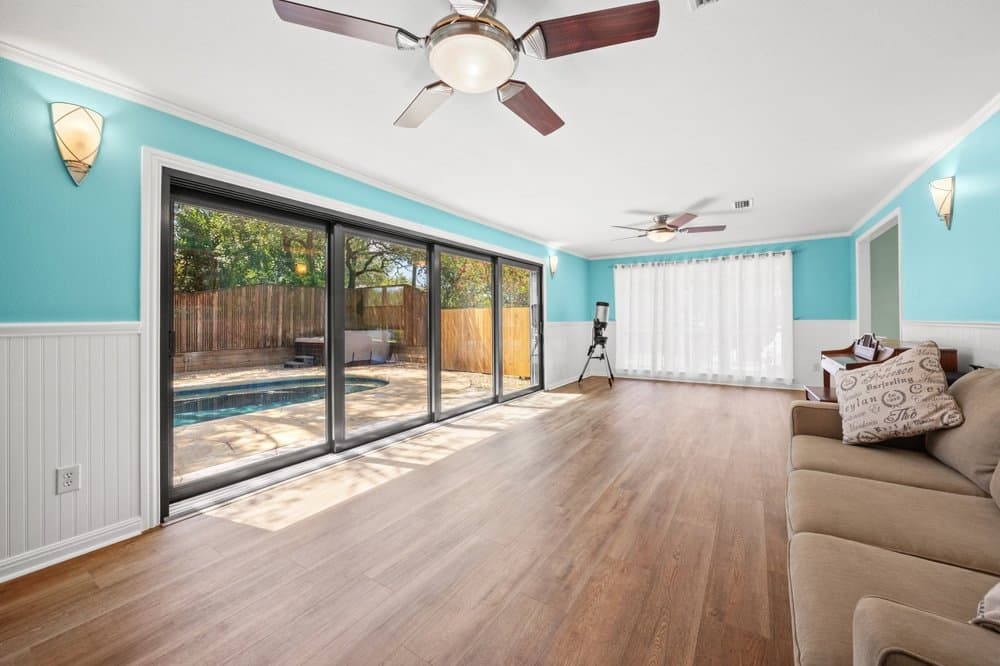
Give an empty room a story buyers can picture. The reveal starts from the real room and wipes into its virtually staged version, from the same viewpoint.
Same room, same viewpoint
Furnishings labeled as virtually staged
Built for listings
Every video is made with state-of-the-art AI video models, optimized for real estate. It opens with the home’s strongest feature and moves through it the way a buyer would. You bring the local knowledge and the final say.
The pool, the light, the architecture: whatever makes this home different opens the video.
Rooms follow the way a buyer walks through the home, so the photos tell a story instead of piling up.
Check the facts and the wording before anything is made. Every moving scene is checked against your photos before your video is delivered.
01 / THE OPENINGStart with the pool.
It gives this home a distinctive first impression. Then bring the viewer inside.02 / Establish the living space
03 / Connect to everyday life
How it works
Paste the listing link or add your photos. The photos and facts come in, and the strongest shots are picked for you.
One click writes the story and adds camera motion, a voiceover, captions, music and your brand. Change any scene you like.
Every scene is checked against your photos before delivery. Download every format, or publish a listing page that collects inquiries.
Simple pricing
Studio starts at $59 a month for 100 credits, about 3 listing videos. A filmed listing video typically runs $150–300.
Listing video
The whole delivery pack from one approval.
Moment versions
Coming soon, Open house, Price update, Just sold and more, from the clips in your video. 7 credits with new narration.
Sound-off version
Text beats cut to the music, with every video, for feeds watched on mute.
You see the exact price before anything is generated. See plans
Questions
Practical answers before you put your next listing on camera.
See SofaBrain plansYes. Sign up with your email, add your listing and watch its opening scene free. The sample home also plays three finished videos with nothing to upload. Full videos come with a plan, and you see the exact price before anything is made.
No. Start with the listing photos you already have: paste the listing link or add your photos. You get the strongest shots in an order that makes sense to buyers, with camera motion, a voiceover, captions and music.
Minutes. Every moving scene is checked against your photos automatically, so there’s no review step to wait on, and the other formats follow right after.
Yes. A look gives you a finished video in one click. Before you create it you can swap a photo or edit the on-screen text, and the full editor adds the timeline, voice and music.
A listing video is 30 credits, with up to 6 scenes of AI camera motion, a voiceover, captions, music, your brand kit and every format. A version for another moment (open house, price update, just sold and more) reuses your approved clips for 4 credits (7 with new narration), and a sound-off version comes free with every video. You see the exact price before anything is generated. Plans start at $59 a month for 100 credits.
Yes. Every video comes with an unbranded version, without your logo, agent card or QR code, for the MLS and portals that don’t allow branding.
Yes. Save a brand kit once with your logo, colors, fonts and agent details. Every video uses it, from the captions to the closing card. The examples here use YOUR BRAND as a placeholder.
Both. An agent can turn a property’s photos into a recognizable piece of marketing in minutes. A team or brokerage can give every listing a consistent look while each agent confirms their home’s facts and story.
Yes. The styles shown here are the ones the studio offers today. Which ones fit a home depends on its photos: some need more property views, and staging looks need a virtually staged room. Watching an example does not apply it to a project.
Staging videos start from the real room, keep the same viewpoint and label the furnishings as virtually staged on screen. You can also add AI labels to your videos from your brand settings.
Put your next listing to work
Give buyers a reason to look closer, and sellers a clear picture of how you market a home.
“Game changer for real estate. My listings get way more engagement now.”
Have a property in mind? Let’s start there.
Start with photos insteadYou’ll sign in if needed, then review your property and pick a look.